![Custom Plates with Flipper [+in-game paint editor] [Open Source]](https://dunb17ur4ymx4.cloudfront.net/packages/images/98717a06e0e08ba72d0029be6b005dd6ee9d0042.gif)
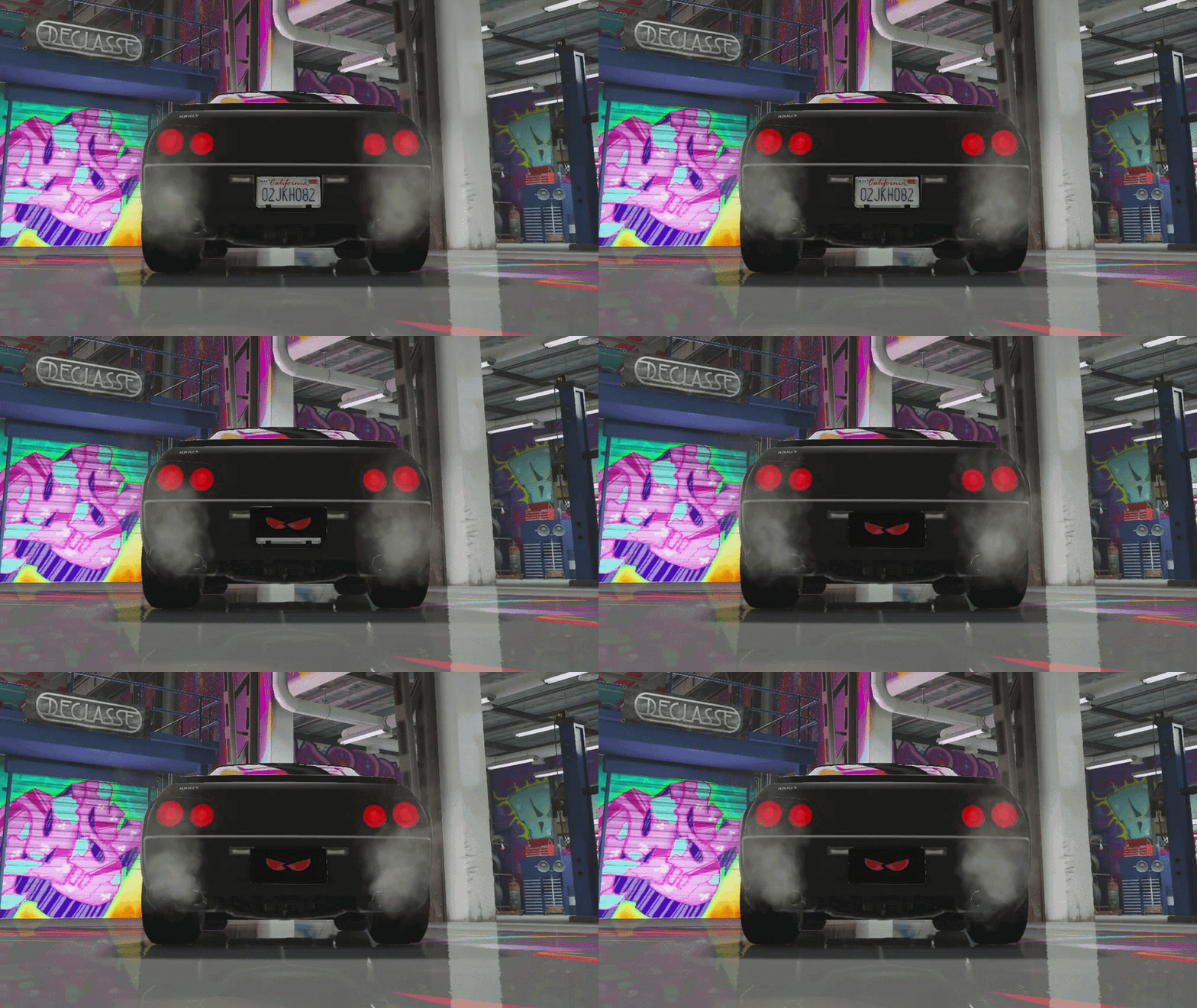
Custom plates with an in-game paint editor, you draw the design yourself. Front + back, plate flipper, mechanic presser, full package. Design it, place it, and (if you want) hide it behind a flipper at the press of a button.
The heart of the script. Open the editor with a plate item in hand and you get a full canvas to design exactly what you want. No presets, no templates, just your own art on the plate.
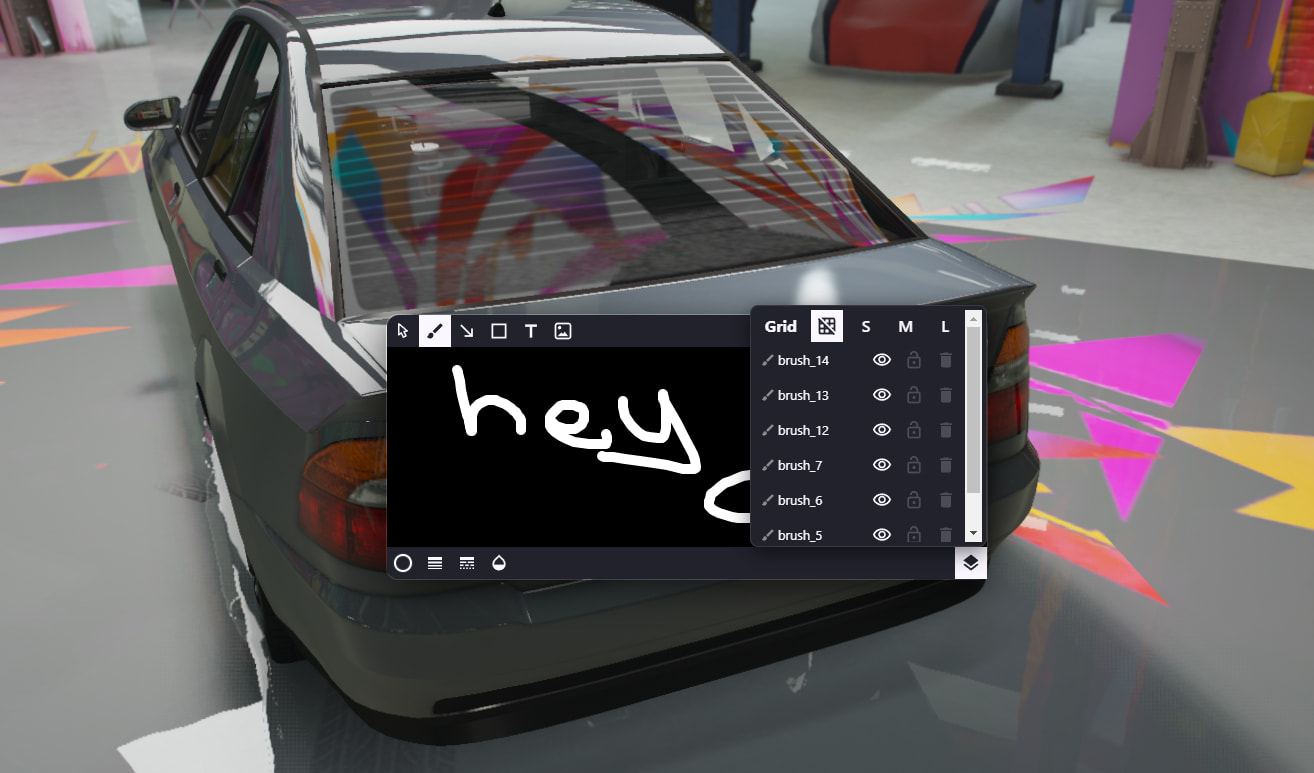
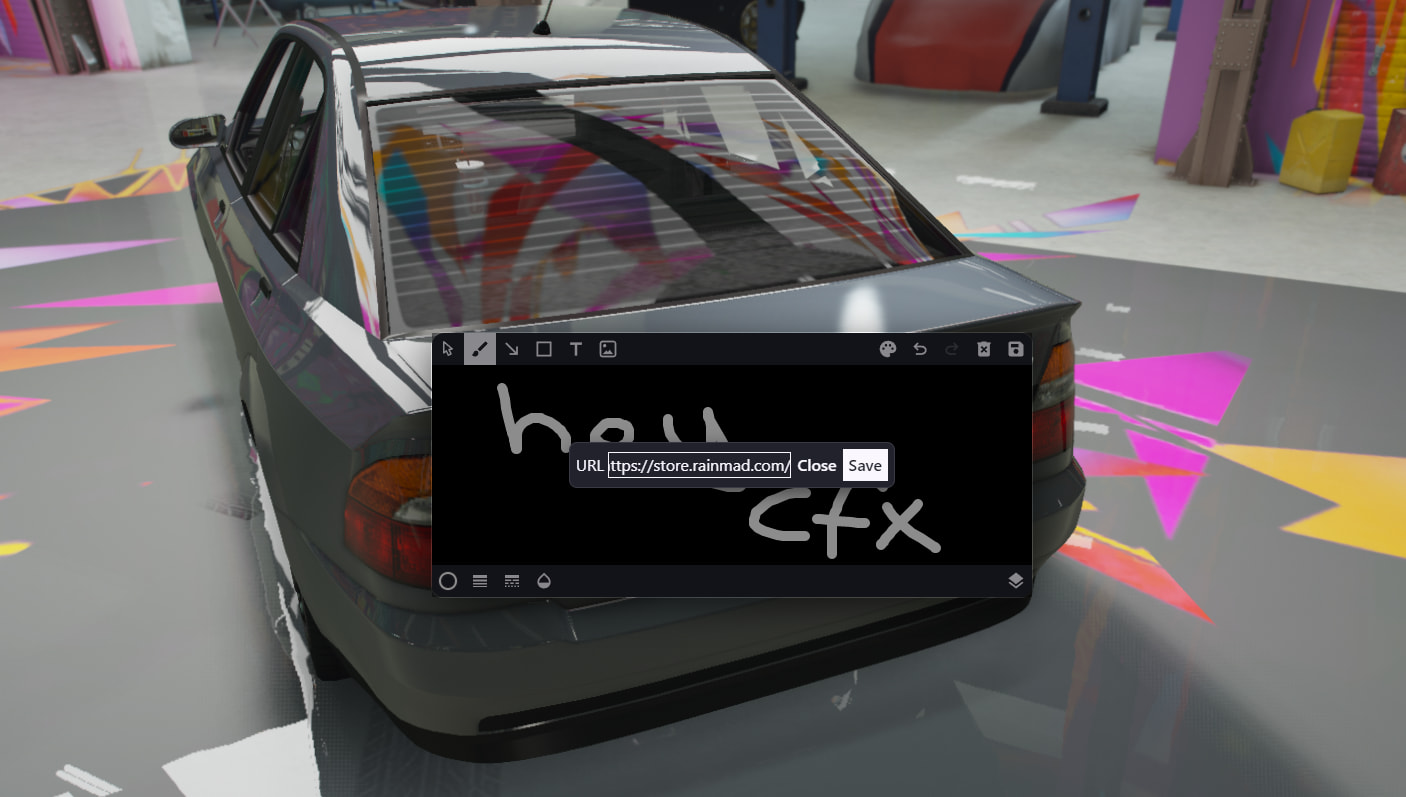
Brush, line, curve, polygon, rectangle, square, circle, arrows, text
Custom fonts, opacity, grid snap, multi-layer support with show/hide/lock
Image-from-URL import for logos and references
Undo/redo, clear, background color, color picker per shape
Per-shape canvas resolution per plate size (rectangle/square × S/M/L)
Pick the plate item, place the plate where you want via a drag-and-rotate gizmo, draw your design, and install. After install you’re asked if you want to add a matching front plate with the same design.
6 plate shapes & sizes (rectangle S/M/L, square S/M/L)
Front + back plates supported per vehicle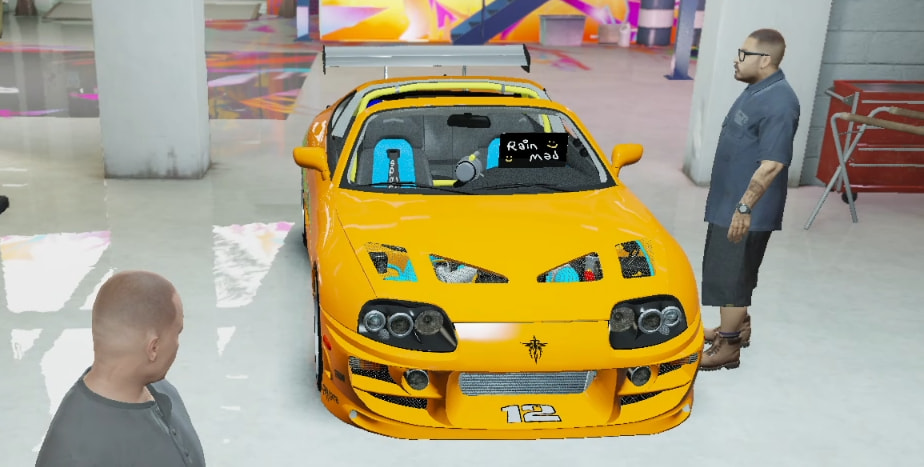
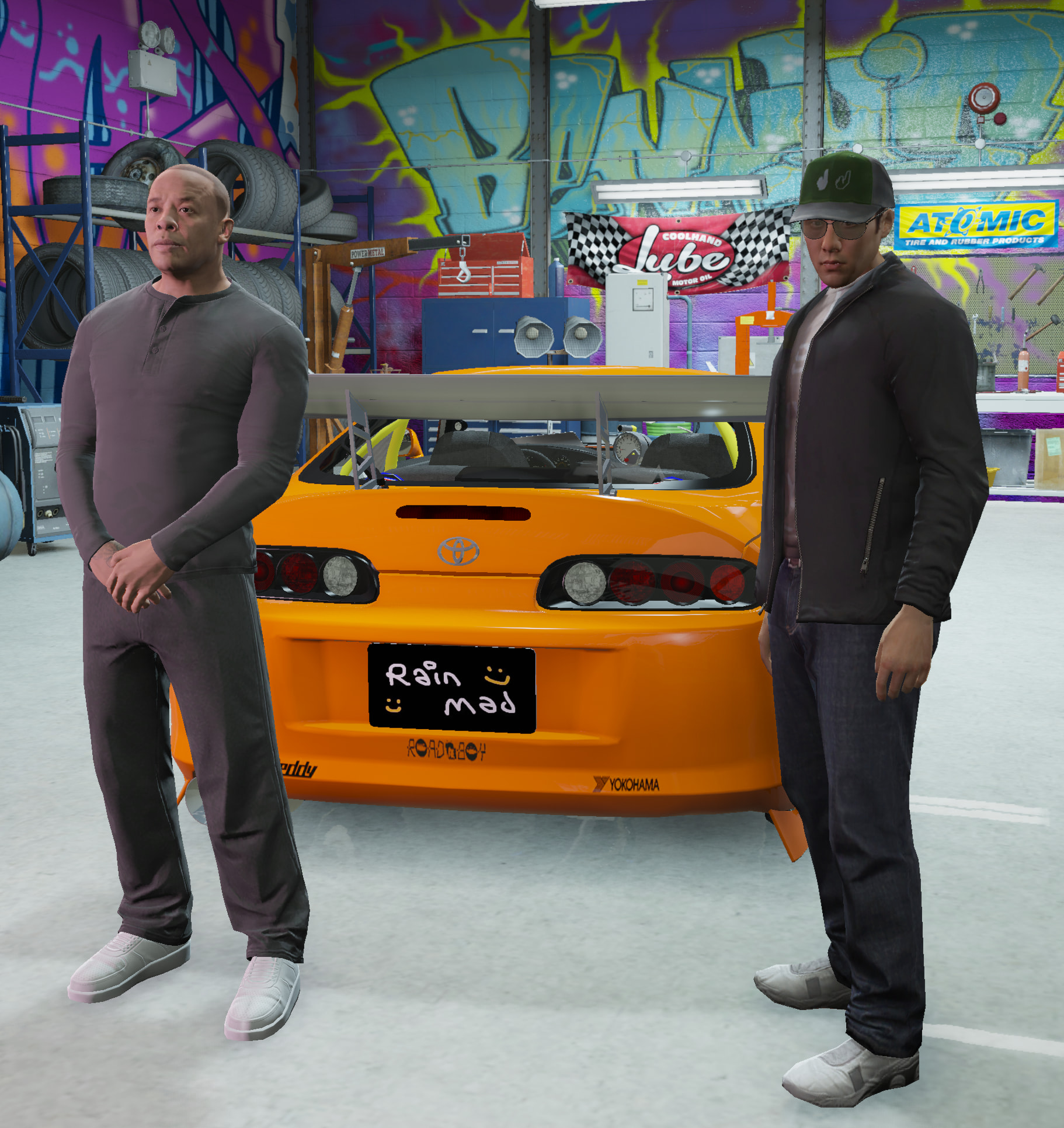
Per-vehicle plate state stored in DB. Rejoin and your plate is still on
Render-distance based culling (configurable in/out distances). Zero perf cost when no one is nearby
Synced across clients. Everyone sees the exact same design
Toggleable plate that hides the original and reveals a custom one. Installed once, toggled with G from the driver seat.
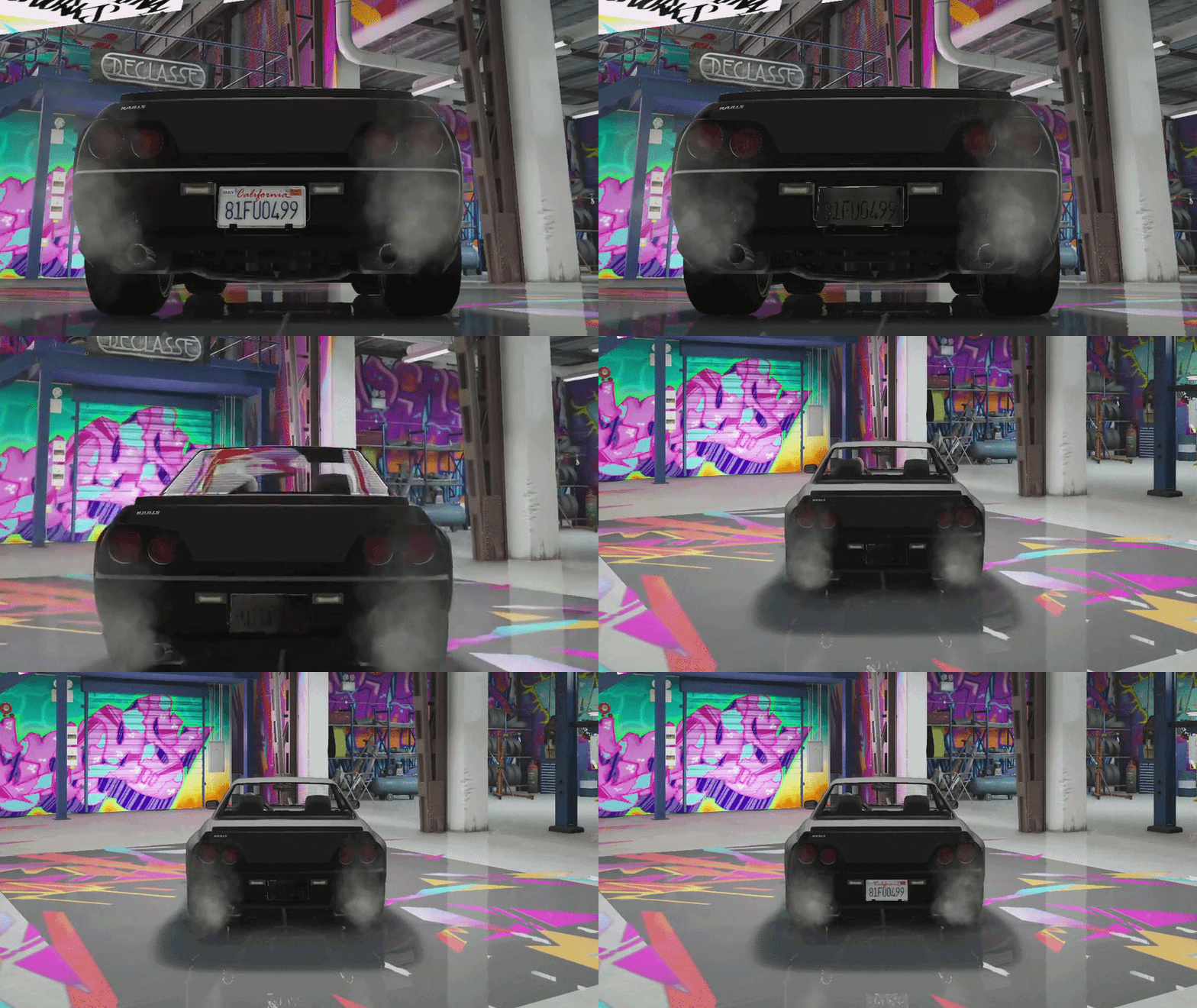
Two flipper modes: Custom Design (use the paint editor) or Black Plate (instant install)
Optional second plate so the flipper covers both front and back
Smooth flip animation with sound effect
Cooldown-gated to prevent spam
Reusable item option (consumed or kept on install)
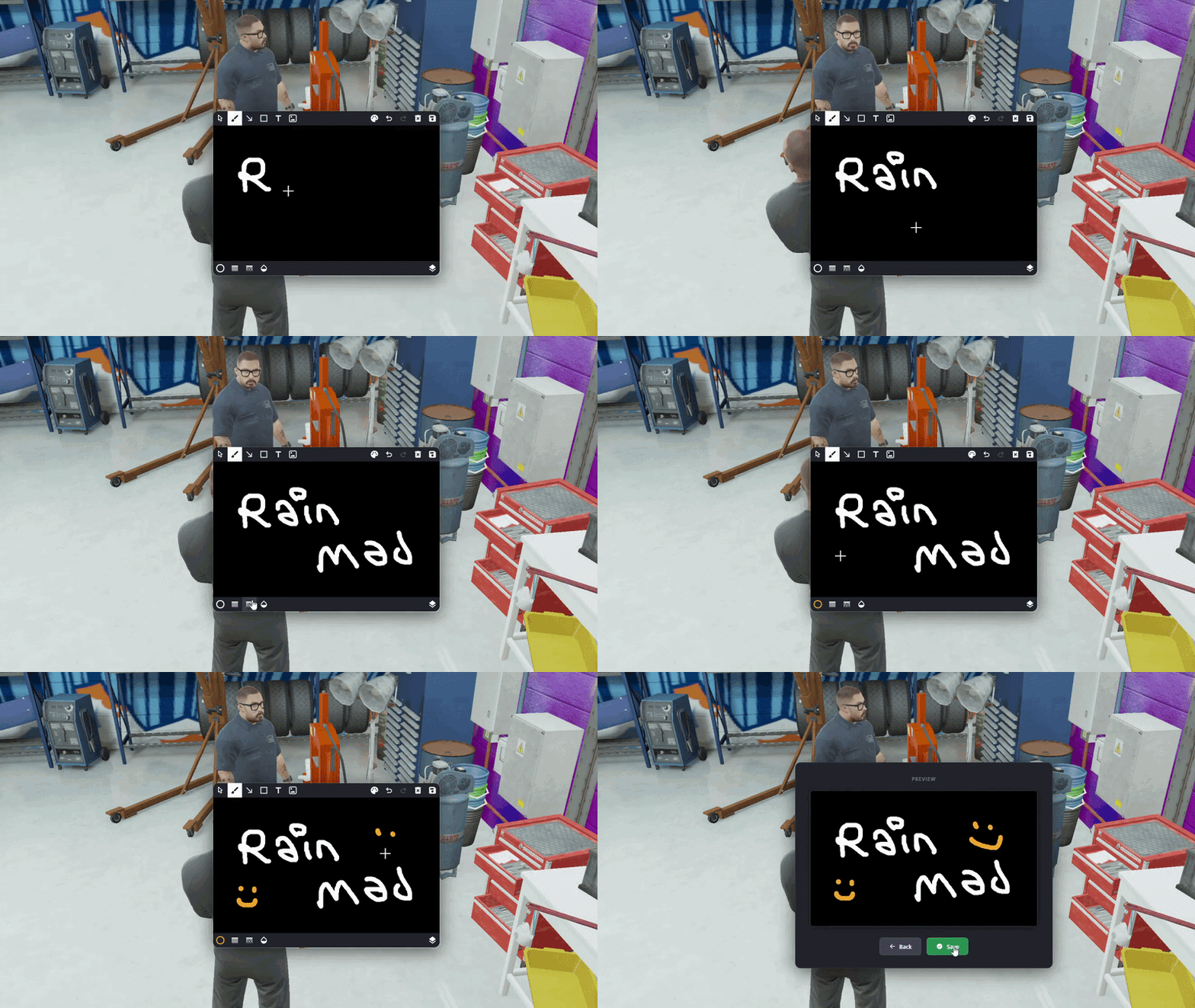
Job-restricted mechanic workstation. A customer brings their car, the mechanic picks a size and asks the customer for a design. The customer draws it in the editor, sends it back, and the mechanic presses the plate at the workstation.
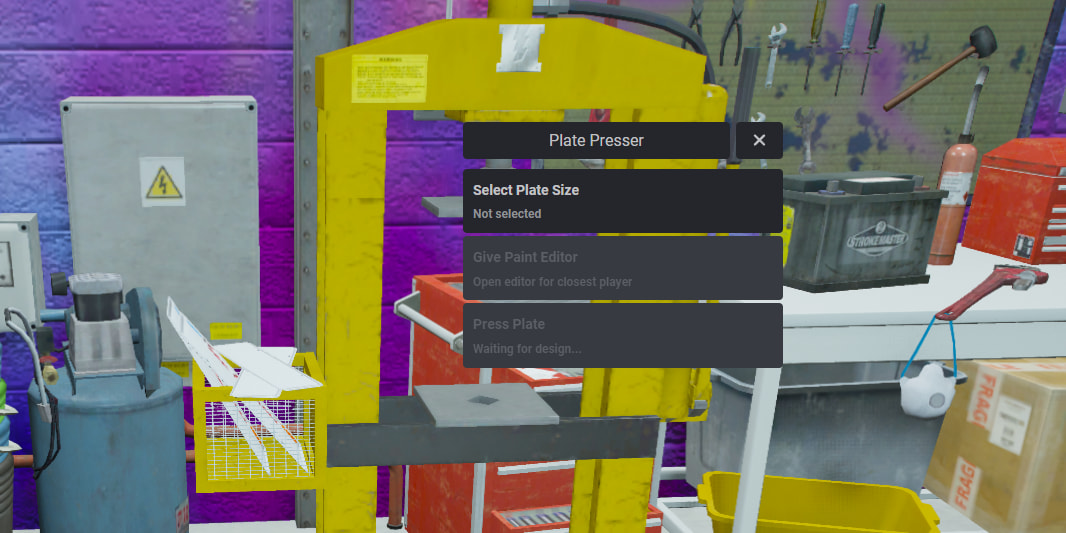
Multiple presser locations supported in config
Per-presser job whitelist
Press object color variants (12 colors)
Mechanic requests the editor from the closest player at the requested size
Customer draws the design and sends it; the mechanic receives it and presses
Full pressing animation with synchronised scene
Customer keeps full control over plate placement via gizmo at the end
A separate rm_plate_remover item that strips any custom plate or flipper from the vehicle in one use. Reusable or consumed (configurable).
/fake_plate
/plate_remover
/plate_flipper
/rm_flipper_toggle (default G) — toggle the flipper from the driver seat
Every server event validates
Suspicious payload attempts (oversized base64, invalid model names) get logged with player ID and name for admin review
Ownership check via framework bridge (toggle in cfg)
Job restrictions per presser
Install animation (mechanic-style) + optional progress bars
Clean restore on resource stop / player disconnect. No orphan plates
Locale-driven, every user-facing string is translatable
ox_lib required
mysql required
Frameworks: QBCore, QBox, ESX (auto-detected)
Notifications: ox_lib, qb, ESX, okokNotify, ps-ui
Text UI: ox_lib, qb, ESX, okokTextUI, jg-textui
Progress bar: ox_lib, qb, ESX
All wired through a bridge so you can mix and match or swap out components without touching the core code.
If your existing systems are not on this list, we can easily add them if you send us the necessary documentation.
Performance
Idle usage: 0.00 – 0.02 ms
Render-distance culling, zero work when no players are nearby
Logging
Discord webhook logs for plate set, plate add, presser designs, flipper installs, removals, admin actions
Webhook embeds include the actual plate image as an attachment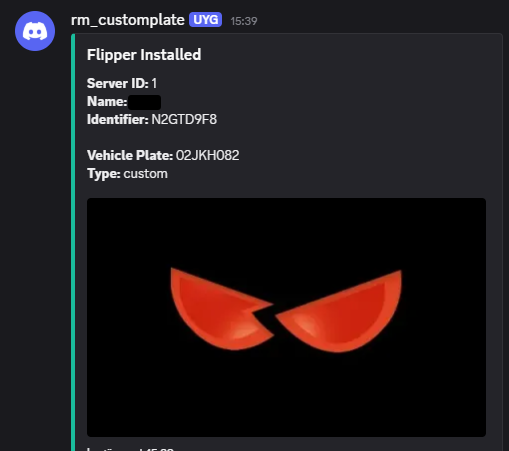
Everything lives in cfg.lua: per-item size grouping, item consumption toggle, editor canvas size per group, flipper item + custom design toggle, remover item, progress durations, install animation, render distances, and presser locations with their job whitelists and color. The defaults ship tuned, but nothing is hardcoded.
○ For detailed configuration of all features, visit: DOCS.RAINMAD.COM
